Make availability part of your business identity.

Show whether your business is open now, closed or opening later — before people contact you.

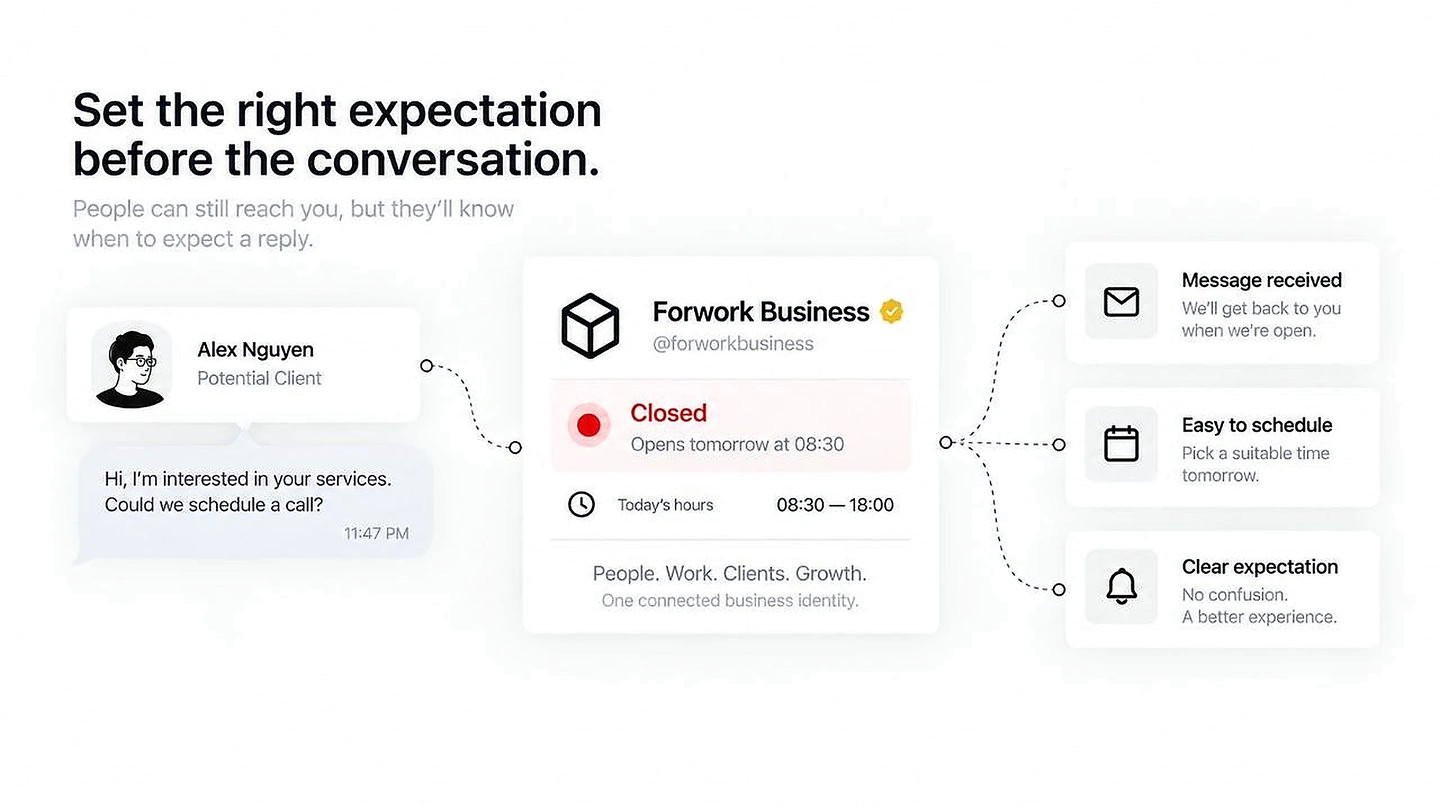
A client message outside business hours with clear reply and scheduling expectations.

Keep hours with the rest of the business context.

Availability sits naturally beside people, services, projects, location and contact details.

Current stateShow whether the business is open now.
Next changeMake the next opening or closing time visible.
ContextKeep availability attached to the same Business profile.
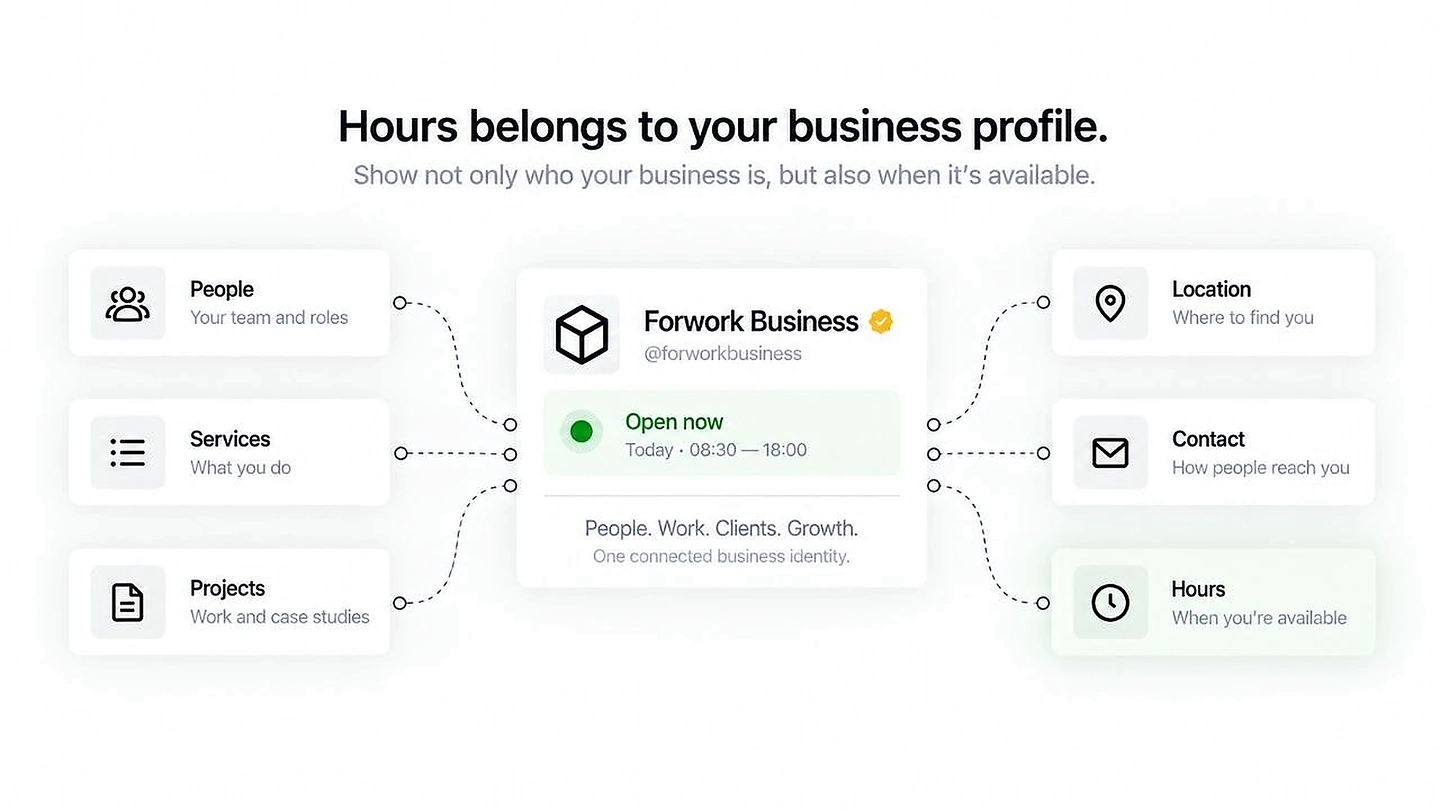
Hours shown as part of the wider Forwork Business profile alongside people, services and contact.

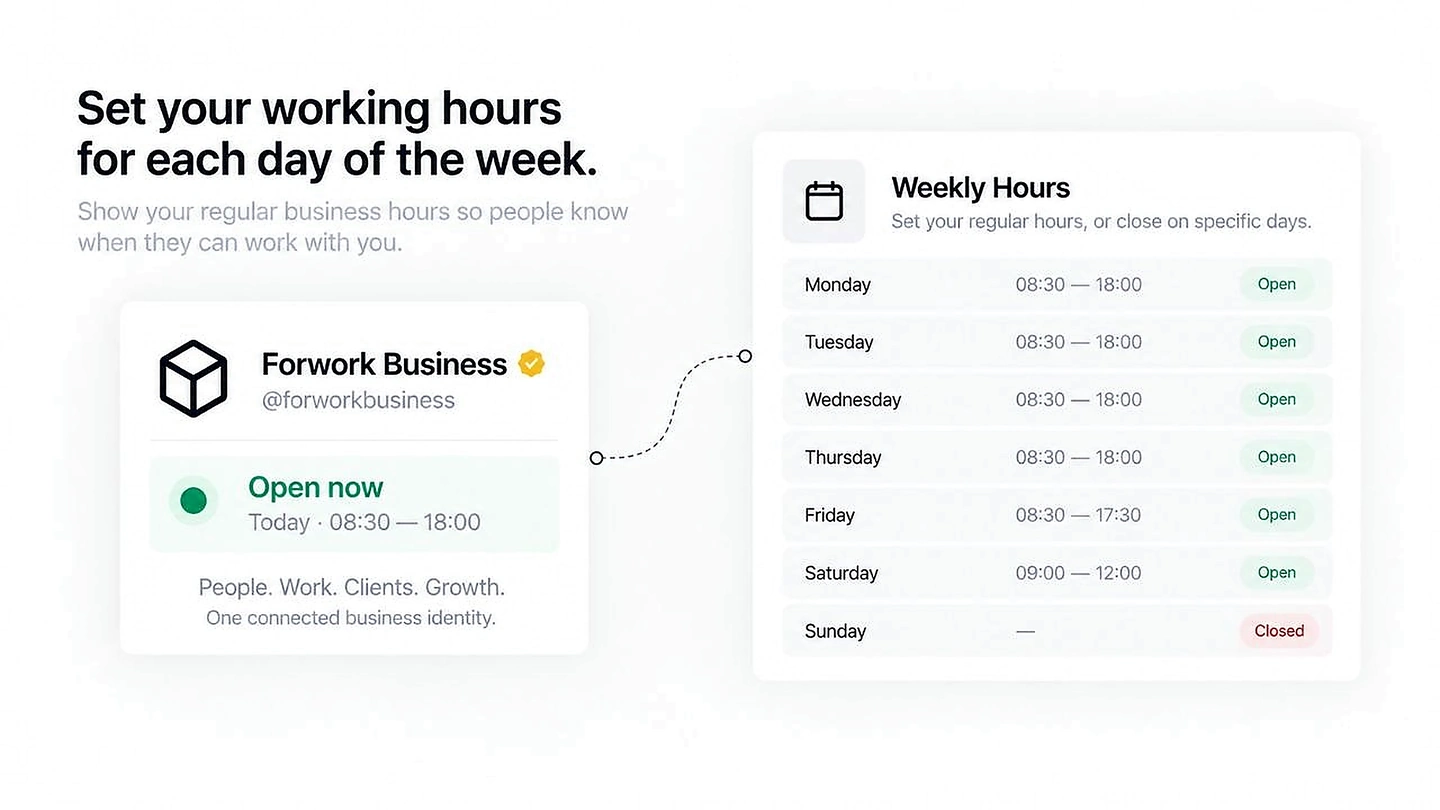
Set your regular working rhythm once.

Weekly hours create a simple baseline for when people can work with you.

Weekly scheduleDefine regular hours by day.
Closed daysMake unavailable days explicit.
Clear baselineGive every visitor the same expectation.
Weekly business hours connected directly to a Forwork Business profile.

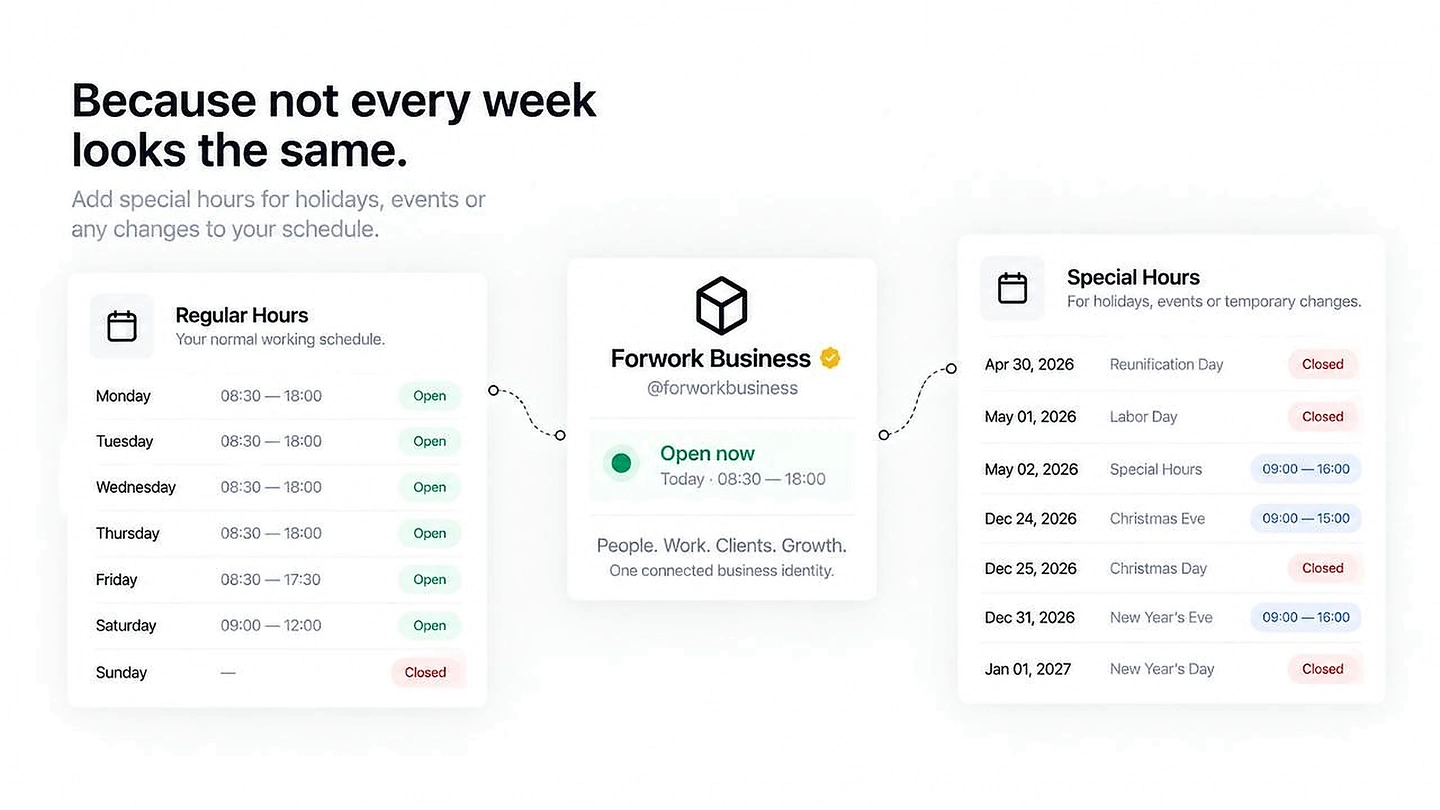
Not every week looks the same.

Special hours cover holidays, events and temporary changes without rewriting the regular schedule.

HolidaysClose or shorten specific dates.
EventsAdjust availability temporarily.
ExceptionsKeep special days separate from the weekly baseline.
Regular hours and special holiday hours connected to the business profile.

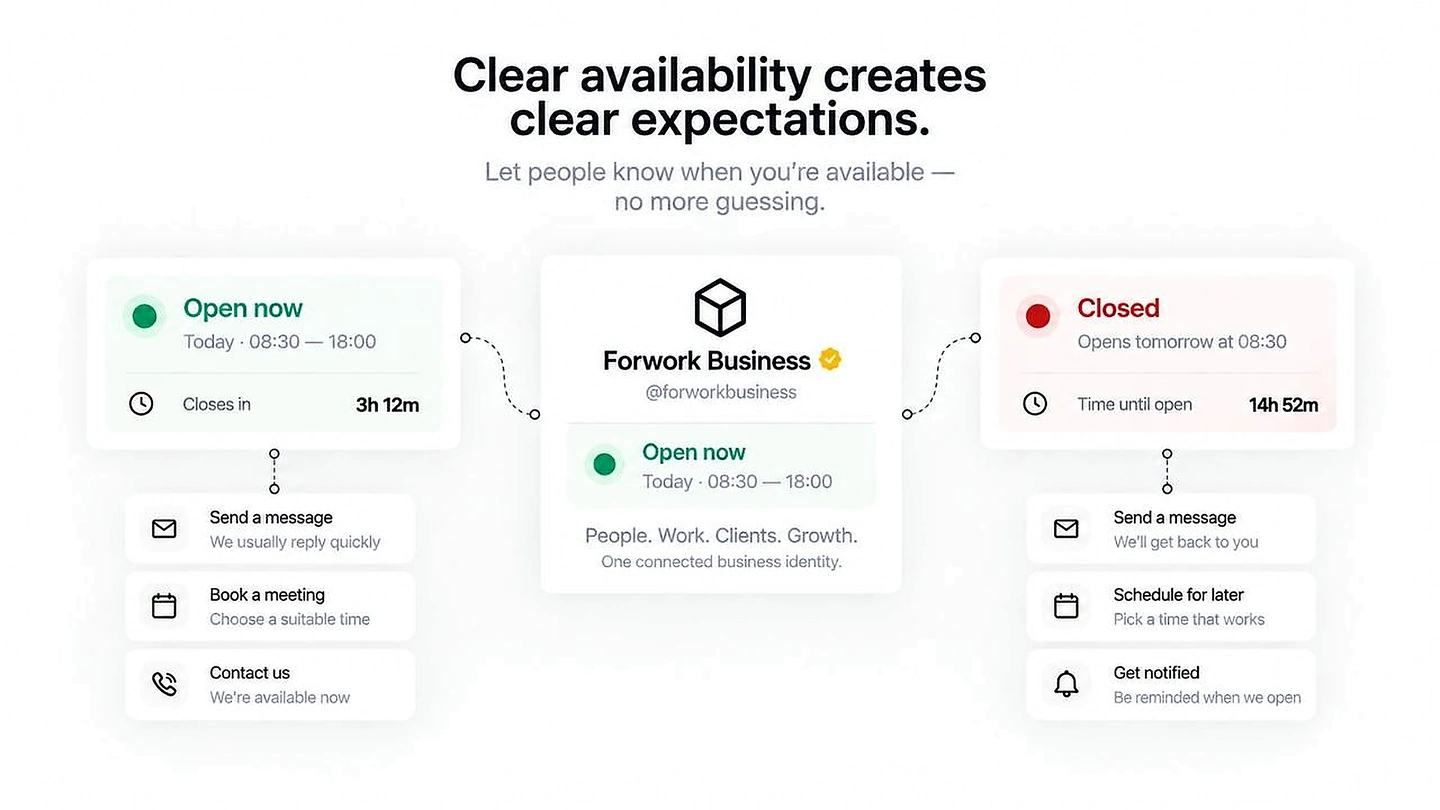
Clear availability creates clear expectations.

The right action can change depending on whether the business is open now or closed.

Open nowCall, message or book while someone is available.
ClosedSet a reply expectation before the message is sent.
Schedule laterLet the next step remain useful even outside working hours.
Open and closed business states with clear contact expectations.

Make availability clear before anyone needs to ask.

Business Hours is a small signal with a practical effect: clearer expectations, easier contact and less unnecessary back-and-forth.